Certification Path
End-User Computing Certification Path
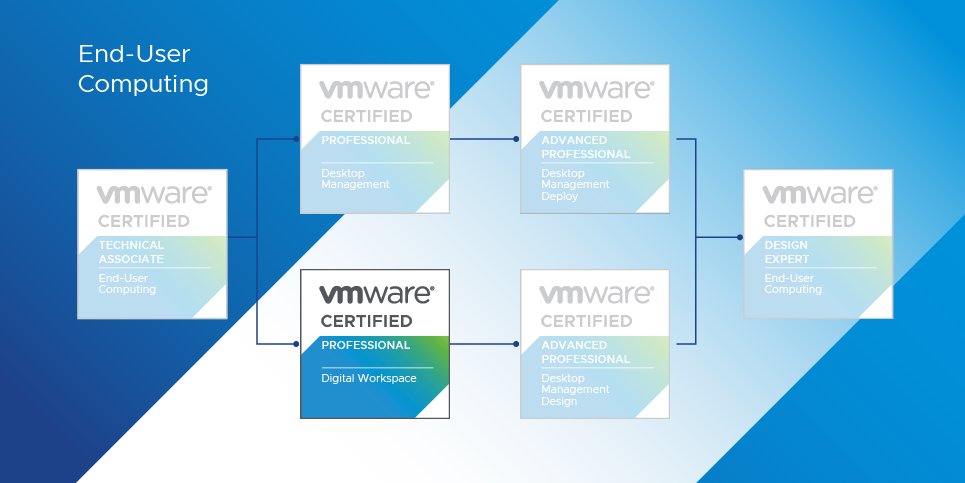
Validate your ability to deploy, manage and optimize VMware Workspace ONE. VCP-DW 2024 is built for digital workspace administrators, mobility administrators and consultants delivering secure, unified endpoint management across iOS, Android, Windows and macOS.
As organizations manage growing fleets of mobile, desktop and IoT devices, VMware Workspace ONE professionals are essential for secure onboarding, application management and SSO integration.
VMware exams are scaled on a range from 100–500, with the determined raw cut score scaled to a value of 300. Your exam may contain unscored questions in addition to the scored questions — this is standard testing practice and results reflect performance on scored questions only.
Click any module to expand and explore the topics covered in detail.
Join Zetlan Technologies' VCP-DW programme and gain hands-on expertise in deploying, configuring and managing VMware Workspace ONE across mobile, desktop and IoT devices.